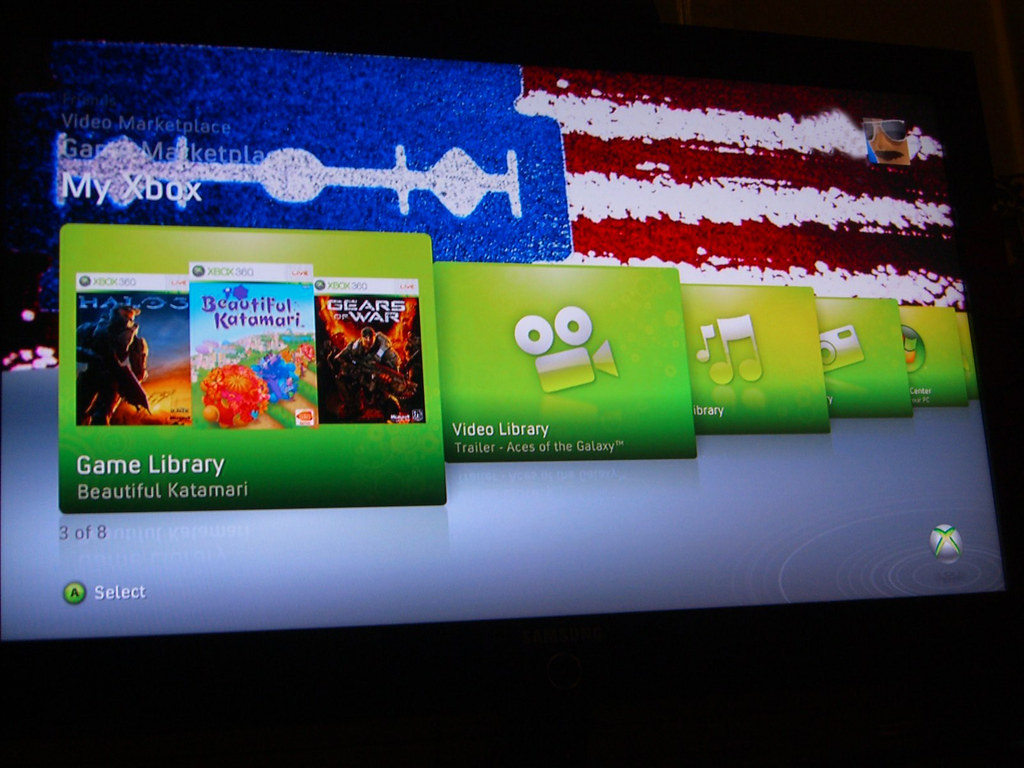
I bought my Xbox 360 approximately 20 months after it launched, as I didn't want to rush in again (I had the original NES and Xbox on the day they came out). Outside of 3 ring of death events (all recoverable; the last one occuring more than a year ago) & some sporadic disc read issues, I have not had any many complaints about the system. I am very please with my choice.
Recently, I had run into a HDD space issue, espcially in light of new features such as copying the game locally. The original 20 GB HDD just isn't enough. I had tried, unsuccessfully, to ghost my existing drive onto a bigger harddrive. Unfortunately, the system's copy protection involves hardware locks & OS pre-installs. The price of an Xbox 120 GB HDD, even used, is way above the current GB/$ street value. This is one of features I envy of the PS3; the ability to upgrade the HDD easily (the other is the BluRay capabilty). Recently Microsoft released a 60 GB upgrade. Buying it from Amazon's surplus depot & a defect in the packaging, drops the price to under $80.

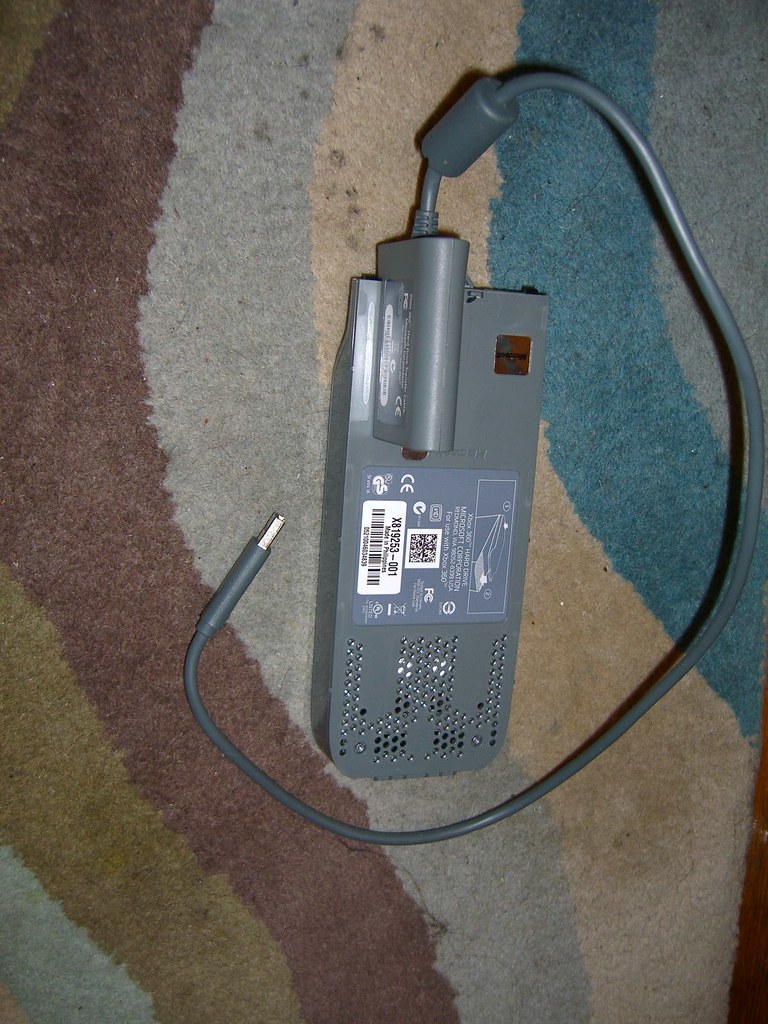
I also head previously read about Microsoft's USB Transfer Kit, which I procured for just this event. It allows for a one time copy/cloning of one HDD to another. I crack open the packaging :

Inside the package you will find :
- 60 GB HDD
- Instruction manual
- 3 month XBox Live gift card
- Headset
- Cat5/6 ethernet cord
The next step is to follow the USB transfer instructions :

So connect the new HDD drive (replacement) to the appropriate side of the transfer cable (it's the large end) and then connect the other end to a USB port on the back of the XBox (the instructions implicitly warn
NOT to connect the USB to the front ports). Like so :

And this:

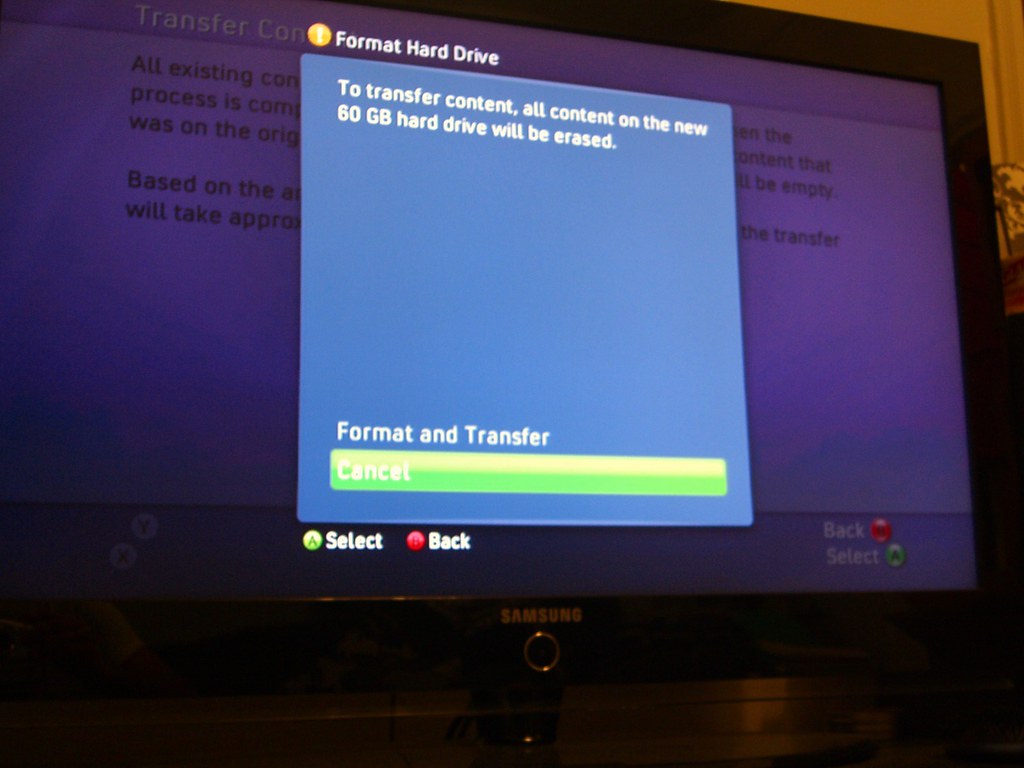
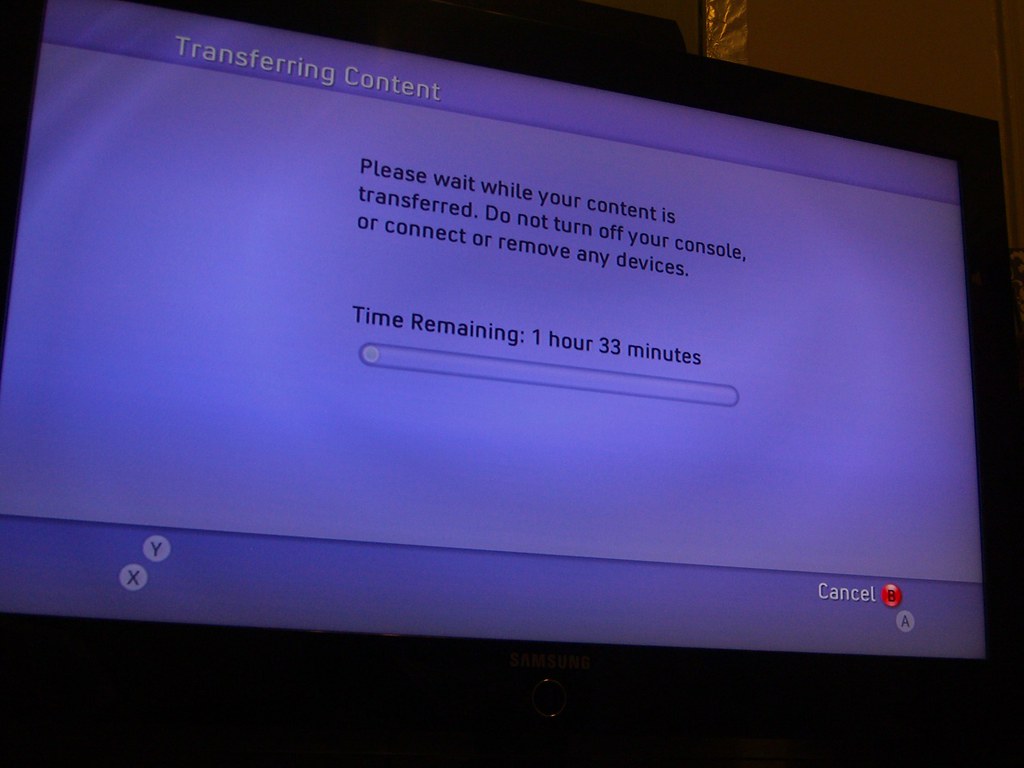
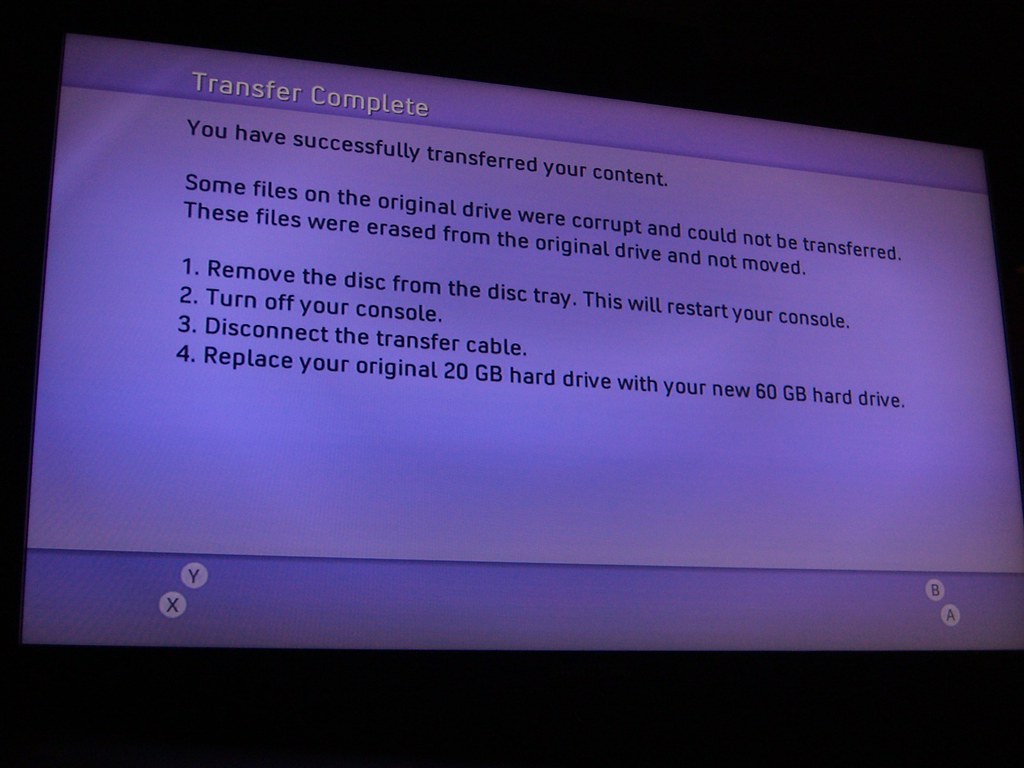
You then just follow the on-screen instructions :
(1)

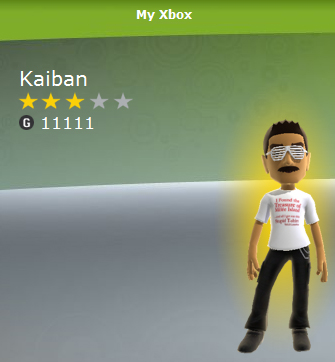 It is funny and sad how I reached that achievement. I did it by drowning the beloved Guybrush Threepwood in the new Monkey Island remastered version :
 RIP Guybrush. You will not be be dead for long.
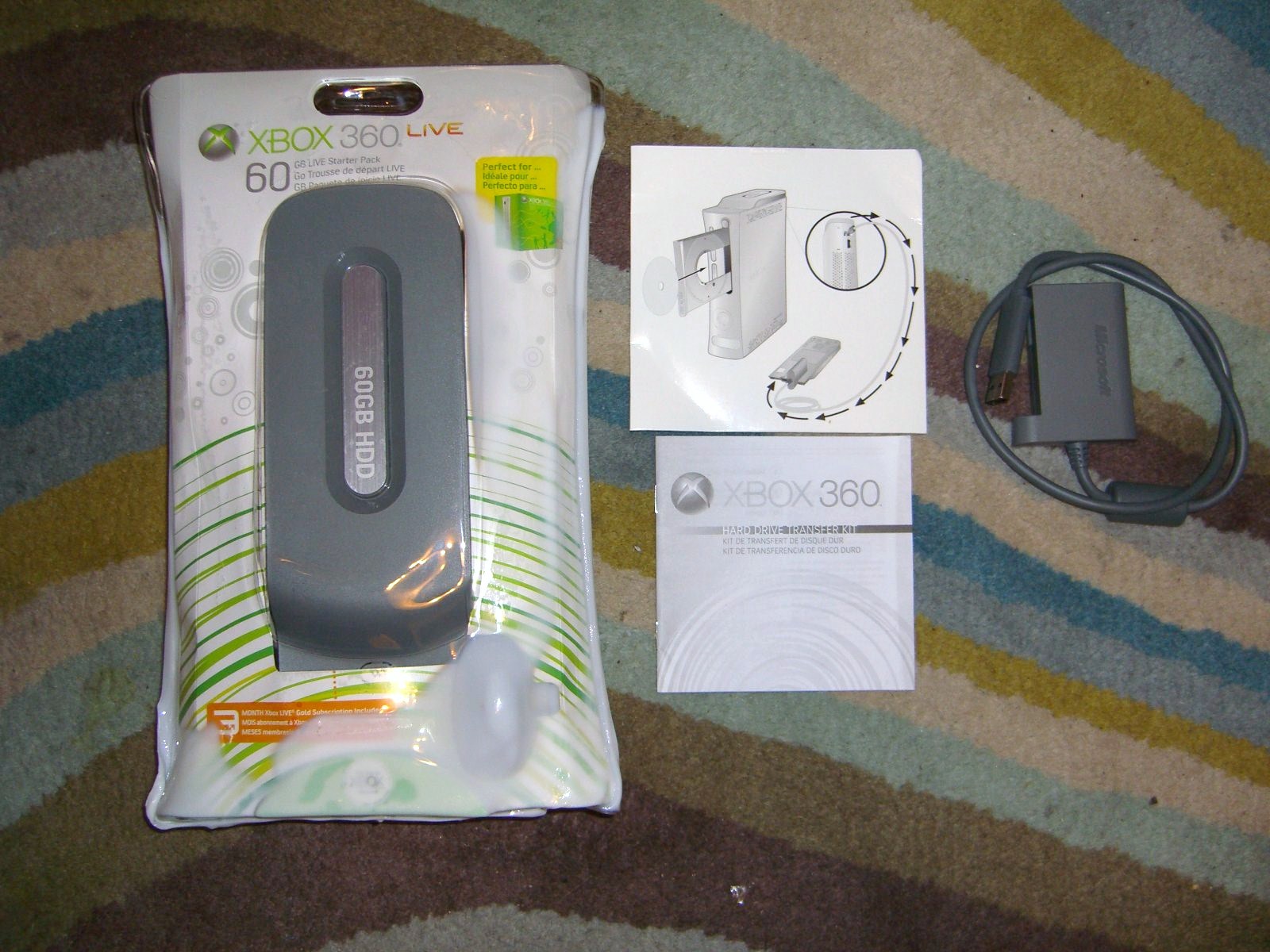 I also head previously read about Microsoft's USB Transfer Kit, which I procured for just this event. It allows for a one time copy/cloning of one HDD to another. I crack open the packaging :
 Inside the package you will find :
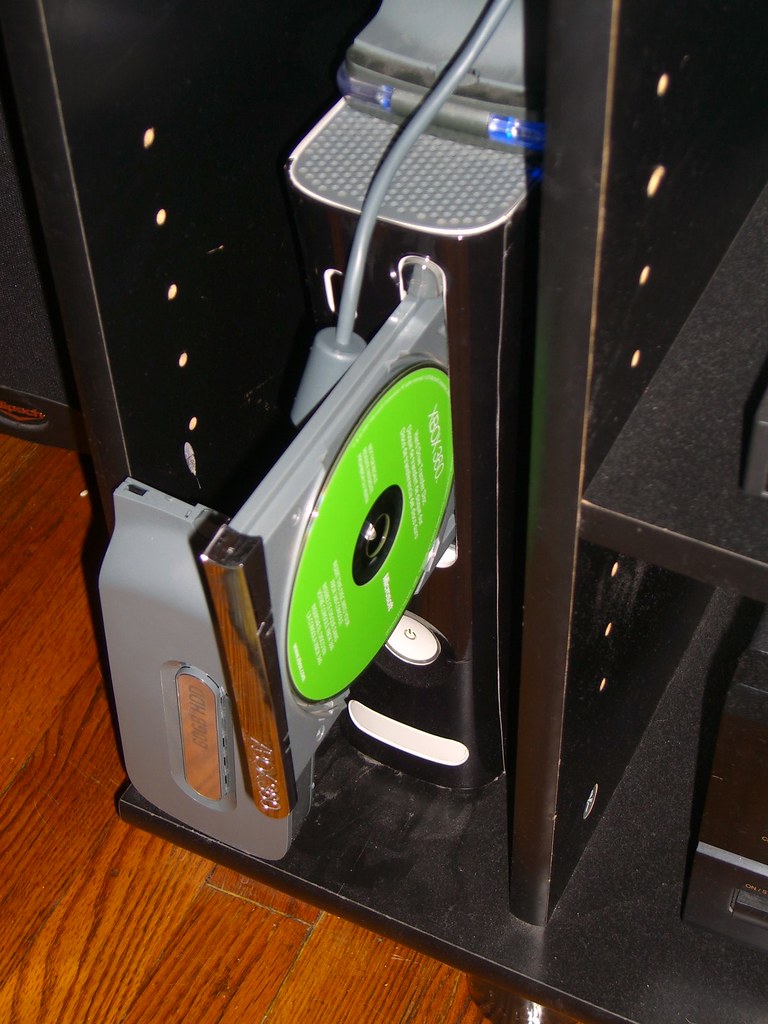
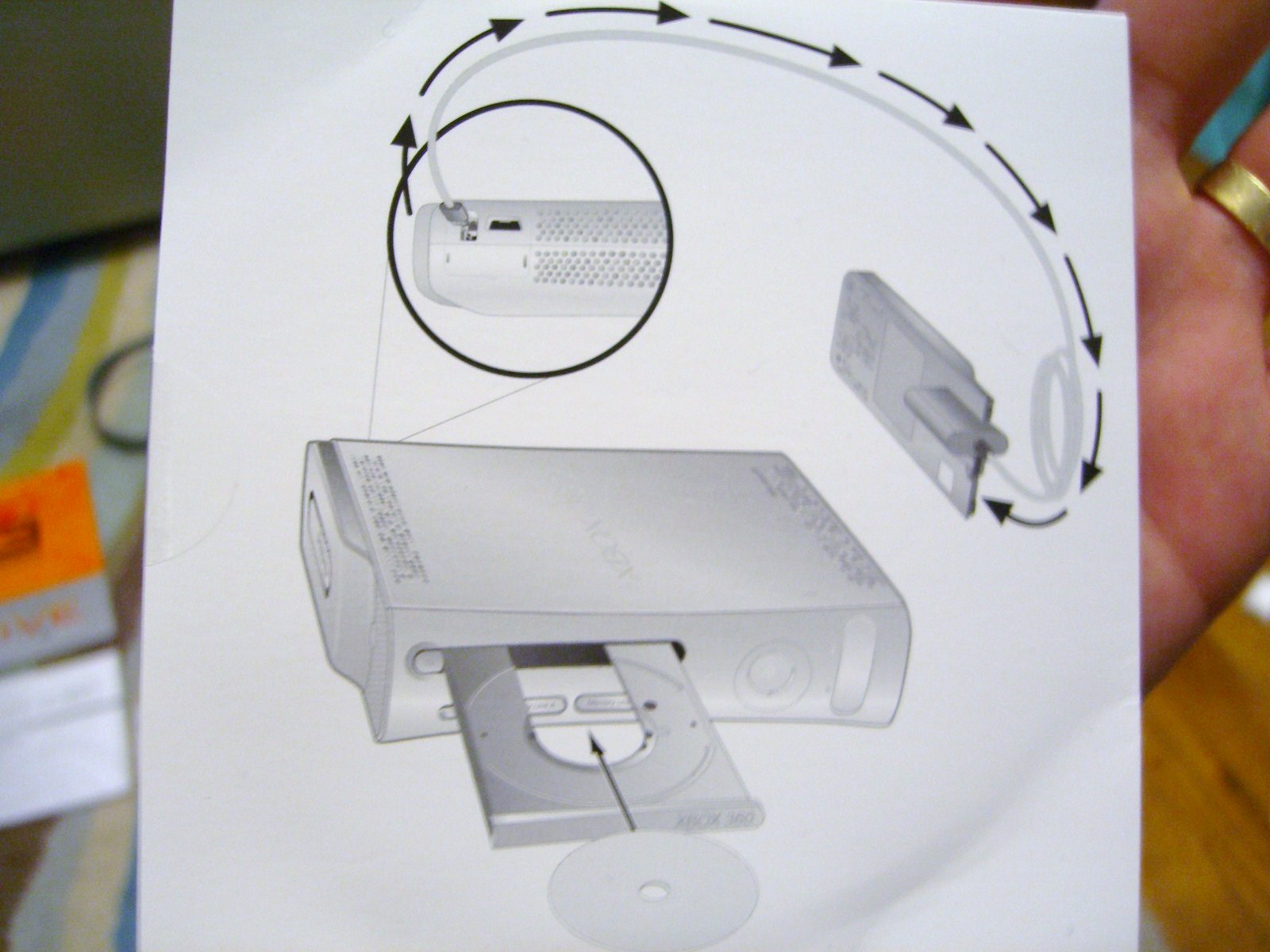 So connect the new HDD drive (replacement) to the appropriate side of the transfer cable (it's the large end) and then connect the other end to a USB port on the back of the XBox (the instructions implicitly warn NOT to connect the USB to the front ports). Like so :
 And this: